
Cast Phone to TV, Chromecast
Screenshots

Description
About Cast Phone to TV, Chromecast Feature
Cast Phone to TV, Chromecast is a versatile screen mirroring and media casting application designed to bridge the gap between mobile devices and larger displays. It enables users to seamlessly project content from their smartphones or tablets onto televisions equipped with Google Chromecast or other compatible streaming devices. The app transcends simple video streaming, offering robust functionality for mirroring the entire device screen, including apps, games, presentations, and photos, onto the TV. By leveraging local network connectivity, it provides a straightforward solution for enhancing entertainment, productivity, and social sharing experiences on the big screen, all through an intuitive interface.
Chapter 1: Function
The core function of Cast Phone to TV, Chromecast is to establish a wireless connection between your mobile device and your TV. Upon launching the app and ensuring both devices are on the same Wi-Fi network, it detects available Chromecast or similar devices. Users can then cast media files—such as videos, music, and images—directly from their phone's gallery or supported apps to the television. Beyond media casting, a pivotal feature is full screen mirroring, which replicates the entire phone display in real-time. This allows for displaying any app interface, playing mobile games on a larger canvas, or showcasing presentations and documents. The app typically includes controls for playback, screen rotation adjustment, and connection stability management, forming a comprehensive toolkit for wireless display projection.
Chapter 2: Value
The primary value proposition of Cast Phone to TV, Chromecast lies in its ability to liberate digital content from the confines of a small mobile screen, thereby enriching user experience through convenience and versatility. Its key advantage is the elimination of cumbersome cables and adapters, offering a clean, wireless setup that is quick to initiate. The app enhances entertainment value by transforming the living room TV into a personal media hub for streaming home videos, vacation photos, or music playlists during gatherings, fostering shared experiences. For productivity, it serves as a powerful tool for professionals and students to present slideshows or demonstrate mobile applications directly from their phone to a larger audience without needing a laptop. The screen mirroring capability for mobile gaming provides a more immersive visual experience. Furthermore, by supporting standard Chromecast protocol, it ensures broad compatibility with a wide range of existing hardware, offering a cost-effective solution compared to proprietary systems. Its user-friendly design minimizes technical barriers, making advanced casting technology accessible to non-technical users, ultimately delivering significant utility in both personal and semi-professional contexts.
Chapter 3: Scenarios
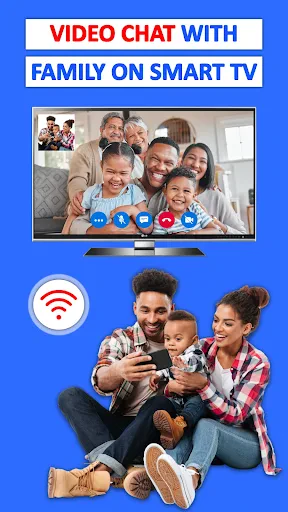
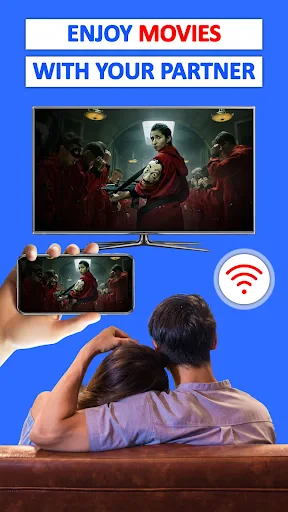
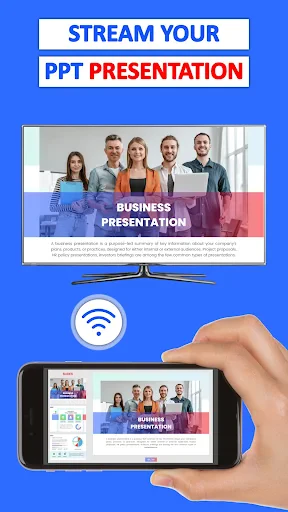
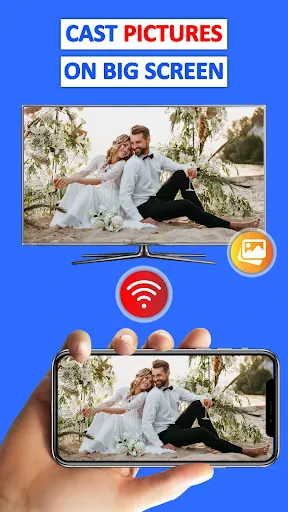
The app caters to a diverse range of user groups and daily scenarios. Firstly, it is ideal for entertainment enthusiasts and families who frequently wish to watch personal media collections or stream online content from their phones on a larger TV screen during movie nights or social events. Secondly, mobile gamers benefit by mirroring gameplay for a more engaging visual experience and easier viewing for spectators. Thirdly, professionals and educators find it invaluable for business or academic settings, using it to wirelessly present slides, documents, or app demos during meetings, lectures, or client pitches directly from their smartphone. Students can use it for group study sessions to share research or videos. Lastly, it serves general users who desire a simple method to view photos and videos with family on a TV without transferring files. Everyday use cases include casting a cooking tutorial from a phone to the kitchen TV, sharing holiday photos with relatives in the living room, or conducting a small-scale workshop using the phone as a portable presentation device.
Uninstall Instructions
For step-by-step guidance on how to safely remove this application from your device, please refer to our 《Uninstall Instructions》 document.
Pros
- one-tap casting from phone to any DLNA/Chromecast TV
- no ads during casting for a distraction-free viewing
- local file casting without uploading to cloud servers
- supports casting live photos and GIFs to TV screens
- background play keeps audio going when phone is locked
Cons
- requires devices on same Wi-Fi
- limiting mobile data use
- interface is functional but lacks modern visual polish
- no built-in content library or discovery features
- advanced codec support varies by receiver device model
- setup can be technical for non-DLNA certified TVs
Frequently Asked Questions
What is Cast Phone to TV, Chromecast?
Cast Phone to TV, Chromecast is a screen mirroring and media casting application. Its core function is to wirelessly display content from your mobile device onto a compatible TV or streaming stick, such as Google Chromecast. It positions itself as a tool for sharing videos, photos, presentations, and games on a larger screen. The app typically works by connecting both devices to the same Wi-Fi network.
Is the app free to use or does it have in-app purchases?
The app is generally free to download and use for basic casting functions. However, it may offer in-app purchases to unlock premium features. These could include removing advertisements, enabling higher video quality streaming, or accessing advanced controls. The specific pricing model may vary, so it's recommended to check the current details within the app's description on your device's app store.
What devices and systems are compatible with this app?
The app primarily requires an Android or iOS mobile device and a compatible receiver like a Chromecast, smart TV with built-in casting support (e.g., Google TV, Android TV), or other DLNA-certified devices. Both your phone and TV need to be connected to the same local Wi-Fi network. System requirements for the mobile app should align with common OS versions, but specific minimum versions are detailed on the app's store page.
How do I solve common connection or lag issues?
Common connection problems are often related to network configuration. Ensure both your phone and casting device are on the same Wi-Fi network and that the signal is strong. Restarting your router, phone, and the casting device can resolve many issues. For lag during video or game streaming, closing background apps on your phone and ensuring no other devices are heavily using the bandwidth can improve performance. The app itself does not provide dedicated after-sales maintenance.
Can I cast all content from my phone to the TV?
While the app supports casting your phone's screen and many media files, there are limitations. Some apps with DRM-protected content (like certain streaming services) may block screen mirroring. Performance also depends on your network speed and the processing power of your devices. The casting experience for fast-motion video or interactive games may vary, and audio-video sync can occasionally be affected by network latency.
App Info
Technical Info
Recommended For You

PocketBook reader - any books
Books & Reference

Phoenix - Fast & Safe
Communication

DMV Practice Test Pro 2024
Auto & Vehicles

ReShot : AI Photo Generator
Art & Design
RhymeZone Rhyming Dictionary
Books & Reference

Sketchbook
Art & Design

MangaToon: Comic & Manga
Comics

Dashtoon: Comics & Manga
Comics

Sweet Beauty Camera Fillter
Beauty

Easy Pose - 3D pose making app
Art & Design

Haircare app for women
Beauty

Fonto - story font for IG
Art & Design

Remodel AI - Home Renovation
Art & Design

Fresha for business
Beauty

Bible Offline-KJV Holy Bible
Books & Reference

Picrew PFP & OC Maker
Art & Design

Picify: AI Art Editor
Art & Design

Pocket Novel
Books & Reference

Staffmark WorkNOW
Business

AI Image Generator - Dali
Art & Design