
Sweet Editor Camera Lite
Screenshots
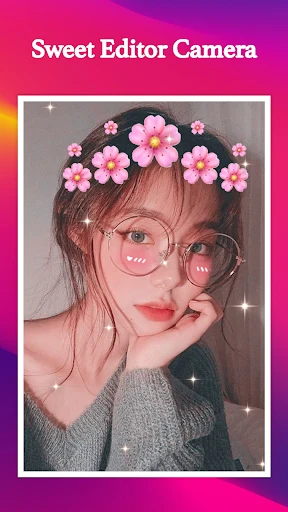

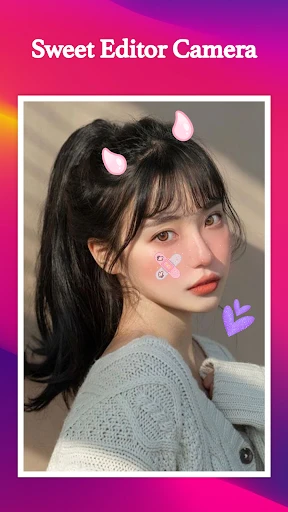
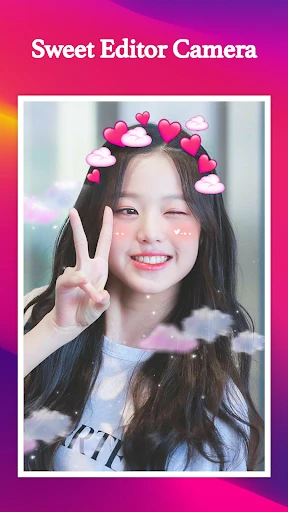
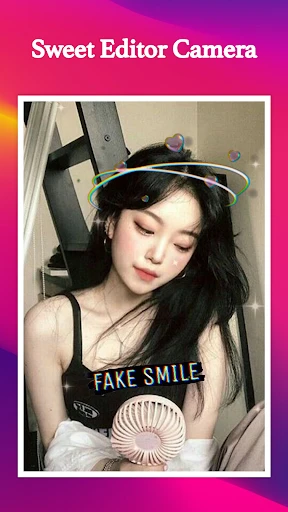
Description
About Sweet Editor Camera Lite Features – A Compact and Powerful Mobile Photo Editor
Sweet Editor Camera Lite is a streamlined mobile application designed for quick and efficient photo enhancement and artistic editing. It integrates essential camera controls with a suite of post-processing tools, allowing users to capture, edit, and share polished images directly from their smartphones. Targeting everyday photography enthusiasts, the app emphasizes simplicity, speed, and creative freedom without the complexity of professional-grade software. Its lightweight design ensures smooth operation, making it an accessible choice for users seeking to elevate their social media content or personal photo albums with minimal effort.
Chapter 1: Function
Sweet Editor Camera Lite consolidates core photography and editing functions into a single, user-friendly interface. Primarily, it offers a capable camera module with real-time filters, beauty modes for portrait smoothing, and basic adjustments like exposure and focus lock. Following capture, the app provides a comprehensive editing suite. This includes standard tools for cropping, rotating, and straightening images. Users can fine-tune photo parameters such as brightness, contrast, saturation, and sharpness. A standout feature is its rich library of artistic filters and effects, ranging from vintage styles to modern aesthetic overlays. Additionally, the app supports adding text with various fonts, applying decorative stickers, and creating simple collages from multiple photos. The entire workflow is designed for quick execution, enabling users to go from shooting to final sharing in just a few taps.
Chapter 2: Value
The core value of Sweet Editor Camera Lite lies in its ability to deliver a satisfying and efficient editing experience for non-professionals. Its primary advantage is the seamless integration of capture and edit phases, eliminating the need to switch between multiple apps. This all-in-one approach saves time and streamlines the creative process. The app's lightweight 'Lite' designation is a significant benefit, meaning it consumes less storage space and system resources compared to bulkier alternatives, ensuring faster launch times and smoother performance on a wider range of devices, including those with limited hardware capabilities. Furthermore, it democratizes photo enhancement by presenting powerful tools in an intuitive layout. The filter and effect library is curated for popular social media trends, allowing users to achieve stylish looks without requiring technical knowledge of color grading or complex layering. The beauty tools offer subtle yet effective enhancements, promoting natural-looking results over overly artificial alterations. By balancing functionality with accessibility, Sweet Editor Camera Lite provides substantial creative control without overwhelming the user, making advanced-looking photo edits an everyday possibility rather than a technical chore. It empowers individuals to express their personal style visually, enhancing both casual snapshots and planned photoshoots with equal ease.
Chapter 3: Scenarios
Sweet Editor Camera Lite is ideally suited for social media enthusiasts, casual photographers, and anyone who regularly shares visual content online. Its primary user groups include students, young professionals, and lifestyle bloggers who need to quickly polish photos for platforms like Instagram, Facebook, or TikTok. In everyday use, a user might employ the app's real-time filters and beauty mode during a selfie session with friends, ensuring flattering results straight from the camera. Another common scenario involves editing travel or food photography; after taking a picture of a meal or landscape, the user can instantly adjust colors, apply a vibrant filter, and add a witty text caption before posting. For small business owners or online sellers, the app serves as a handy tool to enhance product photos—using brightness adjustment to improve lighting and clarity tools to highlight details—directly from a mobile device, avoiding the need for desktop software. It is also perfect for parents looking to creatively document family moments, using collage features and playful stickers to create engaging photo memories. The app thrives in situations where speed, convenience, and visual appeal are paramount, bridging the gap between basic camera apps and complex editing suites.
Uninstall Instructions
For step-by-step guidance on how to safely remove this application from your device, please refer to our 《Uninstall Instructions》 document.
Pros
- real-time skin smoothing without heavy blurring effect
- one-tap background replacement using local AI processing
- presets mimic specific film stock color profiles
- offline functionality for all core editing features
- adaptive lighting adjusts to facial contours dynamically
Cons
- limited to 1080p export even on capable hardware
- manual retouch tools lack brush sensitivity control
- no cloud sync for preset transfers across devices
- background replacement struggles with complex hair details
- film presets occasionally oversaturate red tones
Frequently Asked Questions
What is Sweet Editor Camera Lite and what does it do?
Sweet Editor Camera Lite is a photo editing and camera application. Its core function is to capture photos and apply real-time beauty filters, along with providing tools for post-capture editing like retouching, applying stickers, and adding frames. It positions itself as an easy-to-use tool for enhancing selfies and everyday pictures with playful, aesthetic effects.
Is Sweet Editor Camera Lite free to use?
The app is free to download and use. It typically operates on a freemium model, meaning basic camera and editing functions are free, while advanced filters, stickers, and editing tools may require in-app purchases. The app may display advertisements. Specific pricing for premium features is set within the app's store listing.
What devices and systems is this app compatible with?
Sweet Editor Camera Lite is designed for mobile devices. It is primarily available for Android smartphones via the Google Play Store. Compatibility depends on the specific version; it generally requires a recent version of the Android operating system. Information regarding iOS availability should be checked on the Apple App Store, as it may not be offered.
What are the unique features of this photo editor?
Its unique features focus on real-time beautification and playful editing. This includes one-touch skin smoothing, face slimming, eye-enlarging filters, and a large library of trendy AR stickers, frames, and makeup effects designed for selfies. It emphasizes instant, automated enhancement over professional-grade manual controls.
How can I remove the watermark from my photos?
The free version of the app may automatically add a watermark or logo to exported images. To remove this, you usually need to unlock the premium or ad-free version through an in-app purchase. Please check the app's settings or premium feature description within the app for confirmed details on watermark removal options.
App Info
Technical Info
Recommended For You

Holy Bible - KJV+Audio+Verse
Books & Reference

Translator Woman's Voice - TTS
Comics

Power Apps
Business

Microsoft Power BI
Business

Lyft Driver
Business

Roadie Driver
Business

Yes Madam - Salon at Home
Beauty

Remodel AI - Home Renovation
Art & Design

AlphaNovel — Books & Stories
Books & Reference

BimmerLink for BMW and MINI
Auto & Vehicles

Messenger - Texting App
Communication

PayPal Business
Business

AI Dress up-Try Clothes Design
Beauty

GettingOut Visits
Communication

Glassdoor | Jobs & Community
Business

GoTo
Business

PAeDocket
Books & Reference

Bookmory - reading tracker
Books & Reference

Al Quran Kareem: القران الكريم
Books & Reference

Nail Art Design Ideas
Beauty